admin
admin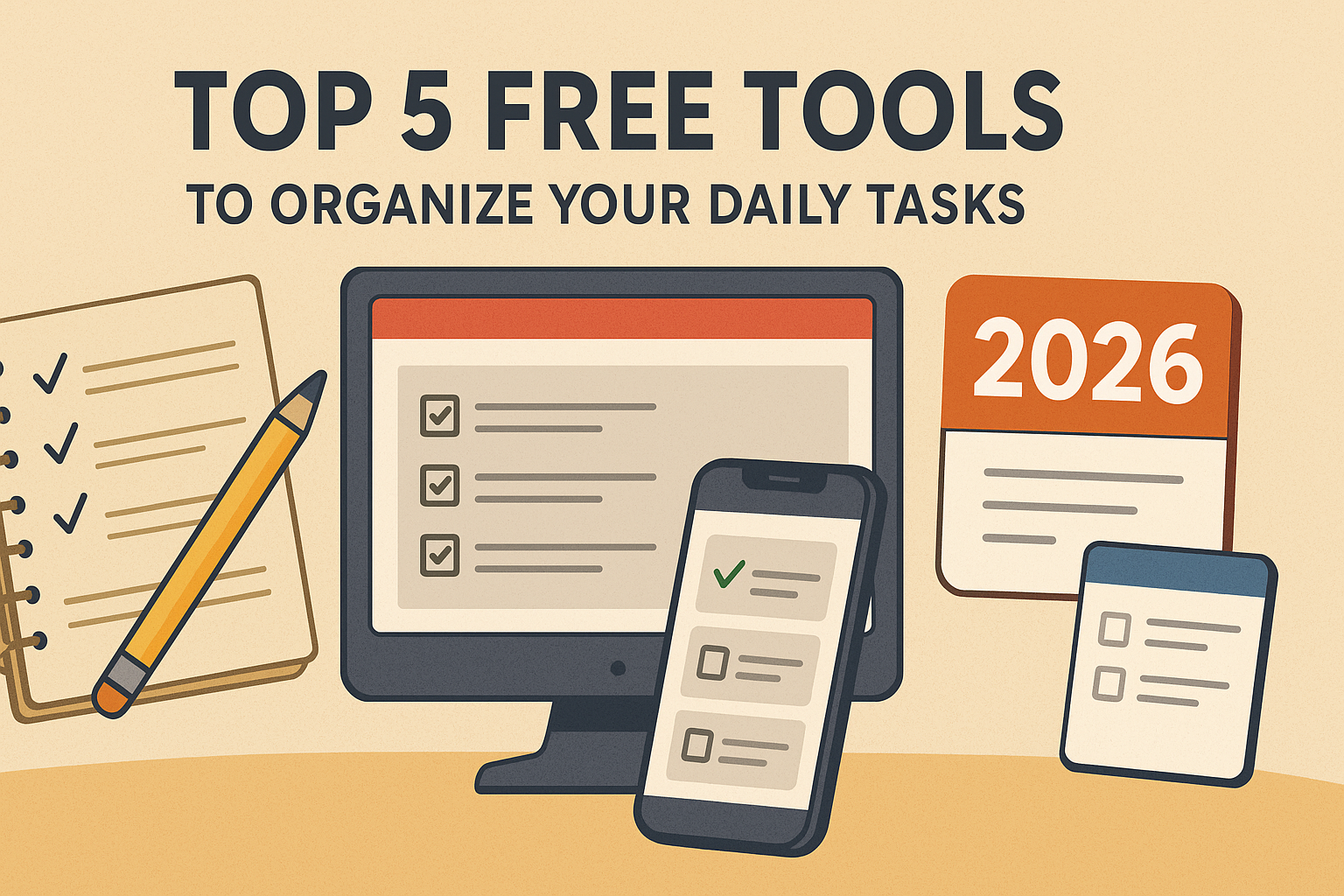
As the new year 2026 is coming, many of us are thinking about how to be more organized, productive, and focused on our daily work. I’ve always liked arranging my tasks, but I want to share something from my personal experience first.
The Handwritten Notebook: Old School but Powerful
Personally, I love using a handwritten notebook to plan my day. There’s something special about it. Writing tasks by hand and then ticking them off after finishing feels amazing – like a small reward. When I complete a task and put that checkmark, I actually celebrate it in my own way.
But handwritten notebooks also have their downsides. You have to carry them everywhere – on buses, outside, or while traveling. Sometimes you get a sudden idea, and if you don’t have your notebook with you, it’s easy to forget. And of course, there are no reminders, so you have to remember everything yourself.
This is where digital tools come in handy. They help you organize your tasks, set reminders, and even sync across devices. But they also have some issues. For example, mobile apps can send too many notifications, which sometimes distracts you from focusing on your work.
So, to get ready for 2026, here are my top 5 free tools that you can use to perfectly arrange your daily tasks and boost productivity:
Why Digital Task Management Tools Are Essential
With increasing work demands and distractions, using a task management tool can save you a lot of time and stress. Here’s why digital tools are useful:
Reminders and notifications: Never forget deadlines or important tasks.
Access anywhere: You can check your tasks on your phone, tablet, or PC.
Organization: Group tasks by projects, categories, or priorities.
Tracking progress: Visual boards or checklists let you see your progress clearly.
Of course, these tools are not perfect. Sometimes mobile apps send too many notifications, which can distract you from deep work. But the benefits outweigh the drawbacks, especially if you learn to manage notifications and practice using the tools before the new year begins.
Top 5 Free Tools to Manage Your Daily Tasks in 2026
Here are my top 5 free task management tools that can help you stay productive and organized next year. I’ll explain how they work, their benefits, and what to watch out for.
1. Todoist
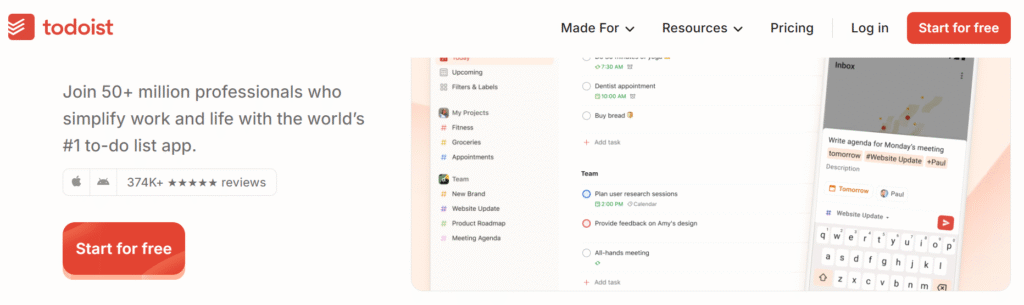
Todoist is one of the most popular task management apps for beginners and professionals alike. You can create projects, add tasks, set deadlines, and prioritize.
How it works:
Create projects for different areas of your life (Work, Personal, Learning). Add tasks, set due dates, and tick them off when done.
Platforms: PC, Mac, Android, iOS
Pros: Clean and simple interface, Free version is robust, Integrates with email and calendar
Cons:Mobile notifications can sometimes be frequent, which may distract you from focusing.
Tip: Use Todoist for daily planning and check off tasks to feel that satisfying sense of completion, similar to a notebook.
2. Notion
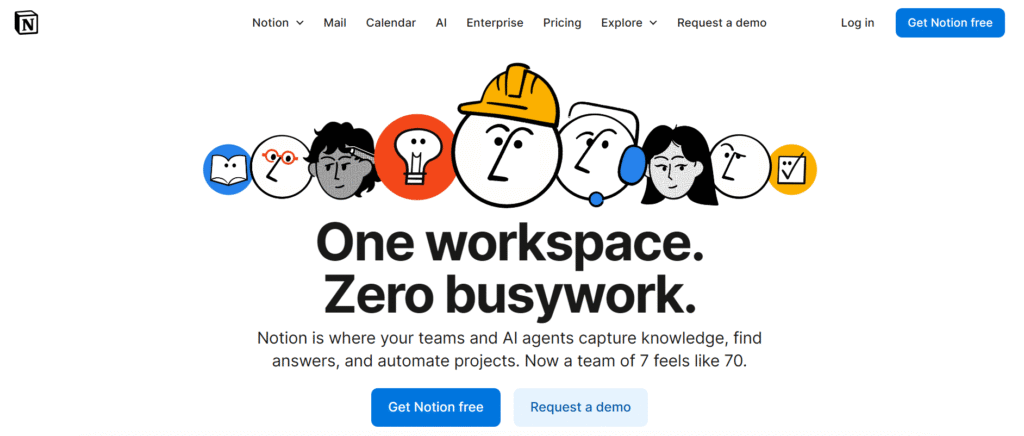
Notion is like a digital notebook on steroids. You can create to-do lists, notes, tables, boards, calendars, and more-all in one place. It’s highly flexible and customizable.
How it works:
Create pages for your tasks, projects, or personal goals. Use templates like “Daily Planner” or “Weekly Agenda” to organize your workflow. Add tasks as lists, tables, or boards.
Platforms: PC, Mac, Android, iOS
Pros: All-in-one workspace for tasks, notes, and projects, Highly customizable, Great for people who like organizing everything visually
Cons: Can feel overwhelming for beginners, Mobile notifications might distract you if not managed
Tip: Start simple with a weekly to-do list and gradually explore advanced features.
3. Microsoft To Do
Microsoft To Do is a simple, straightforward app for managing daily tasks. It allows you to set reminders, recurring tasks, and categorize your tasks.
How it works:
Add tasks to lists like “Work,” “Personal,” or “Learning.” Set deadlines or recurring reminders. Tick off tasks when completed.
Platforms: Windows, Android, iOS, Web
Pros: Simple and easy to use, Integrates with Outlook for email tasks
Cons: Not ideal for complex projects, Mobile notifications can sometimes break focus
Tip: Use Microsoft To Do for quick task tracking and daily reminders without overcomplicating your workflow.
4. Trello
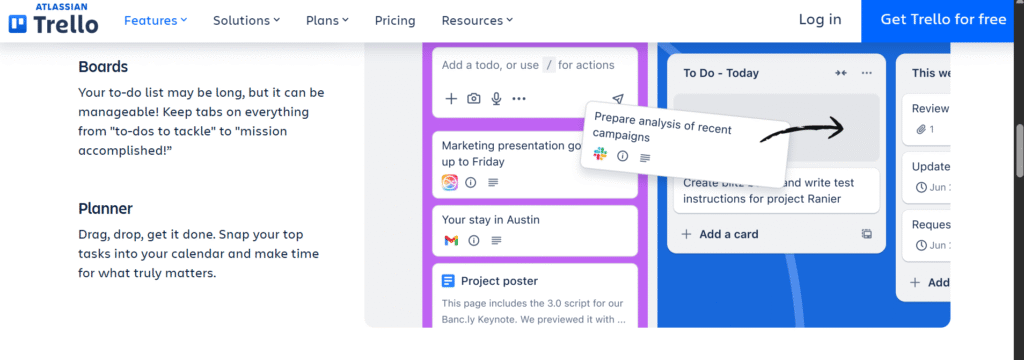
Trello uses a board and card system to visualize tasks. You can move tasks from “To Do” → “In Progress” → “Done.” It’s very visual and satisfying.
How it works:
Create boards for projects, add cards for tasks, and move them across lists as you progress. Add deadlines, attachments, and comments.
Platforms: PC, Mac, Android, iOS
Pros: Visual and easy to track tasks, Free version is sufficient for most users
Cons: Notifications on mobile can interrupt focus, Small learning curve for beginners
Tip: Trello is excellent for people who like seeing their progress visually. Combine it with a notebook for that “tick and celebrate” feeling.
5. Google Keep
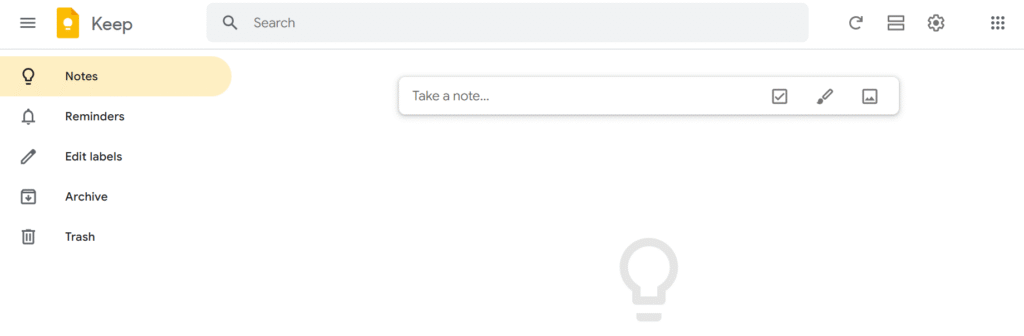
Google Keep is a lightweight, easy-to-use note-taking app. You can make checklists, color-coded notes, and set reminders quickly.
How it works:
Quickly jot down ideas, create checklists for tasks, and set reminders for important deadlines.
Platforms: Web, Android, iOS
Pros: Extremely fast and easy to use, Integrates with Google ecosystem, Great for jotting down ideas on the go
Cons: Not suitable for complex project management, Notifications can sometimes appear too often
Tip: Use Google Keep to capture spontaneous ideas that you can later transfer into your main task management tool.
How to Make These Tools Work for You
Practice Before the Year Begins
Don’t wait for January 1st. Try one or two of these tools now. This will help you get used to the system, reduce overwhelm, and start 2026 with good productivity habits.Combine Digital Tools with Your Notebook
If you love the feeling of ticking off tasks by hand, keep using your notebook alongside a digital app. Write down big goals in your notebook, but track smaller tasks digitally.Limit Mobile Notifications
Too many alerts can distract you from focus time. Adjust your settings to receive only essential reminders, or schedule focused work blocks with notifications off.Start Small and Build Consistency
Don’t try to organize everything at once. Start with a daily to-do list, then gradually expand to weekly planning, projects, and long-term goals. Consistency is more important than perfection.
2026 can be your most productive year yet if you organize your tasks, track progress, and manage your time effectively. Whether you prefer a handwritten notebook, a digital tool, or a combination, the key is to start practicing now.
Small steps today jotting down tasks, ticking them off, using a free tool will lead to big achievements next year. Remember, it’s not about being perfect; it’s about creating habits, focusing on what matters, and celebrating your progress.